
Project Podcast / The field guide
How to start
a podcast
Seven steps from the first idea to a show worth watching—and a content engine that helps your business grow.
Read it anyway. Every step below is the exact scope of what we run for you, so the only thing on your calendar is the conversation.
Explore the guideThe roadmap
Seven steps. One clear direction.
Adapted for business owners building a video-first show. Each step ends with what's left for you and what we already have handled.
Every step above is included in production. Nothing here gets handed back to you at the end of a project.
Plan your podcast
Start with a purpose, not a microphone.
Know what the show is for
Decide what success should look like before you pick a name. Are you building trust with future clients, teaching a niche audience, starting better sales conversations, or giving current customers a reason to stay connected? Pick one primary goal so every episode has a job to do.
Picture the person on the other side
Write down who you want to reach, what they already know, what they worry about, and the questions they ask before buying. A show for everyone usually speaks to no one. Specific conversations make better episodes and more useful video clips.
Choose a name and format
Pick a clear, memorable name that's easy to say out loud and search for. Then choose a repeatable format: solo advice, guest interviews, co-hosted conversations, or a mix. Your format should fit your schedule as well as your audience.
Set a rhythm you can keep
Choose a realistic episode length and release schedule. Consistency matters more than an ambitious weekly plan you cannot sustain. A short batch of recorded episodes gives you breathing room before launch.
You
Tell us what the show is for and who it should reach.
We handle it
- Positioning, name options, and show strategy
- Format, length, and release schedule
- A first season of episode ideas
Write one sentence: ‘This show helps [audience] achieve [outcome] by talking about [topic].’
Prepare your show
Give your podcast a recognizable home before you hit record.
Make the cover recognizable
Your artwork needs to make sense at thumbnail size. Use a legible title, a small set of colors, and an image or visual idea that reflects the show. Keep a matching look across your episode graphics and social clips.
Create an opening that gets to the point
A long intro is optional. A quick promise about what the listener will learn is often stronger. Music can help establish a tone, but only use tracks you have permission to publish.
Choose a podcast host
Your hosting platform stores the audio, creates your RSS feed, and sends new episodes to listening apps. Compare ease of publishing, analytics, video support, and the features you actually need—there's no single perfect host for every show.
You
Pick the cover and name you like best.
We handle it
- Cover art and matching episode graphics
- Intro, outro, and licensed music
- Hosting setup, RSS feed, and account config
Have your show name, cover art, short description, and first few episode ideas ready together.
Record your first episode
A strong conversation beats a perfect script.
Outline the conversation
Start with a compelling question or story. List three to five talking points, useful examples, and a natural next step for your audience. For interviews, share the topic with your guest but leave room for follow-up questions.
Make your space sound good
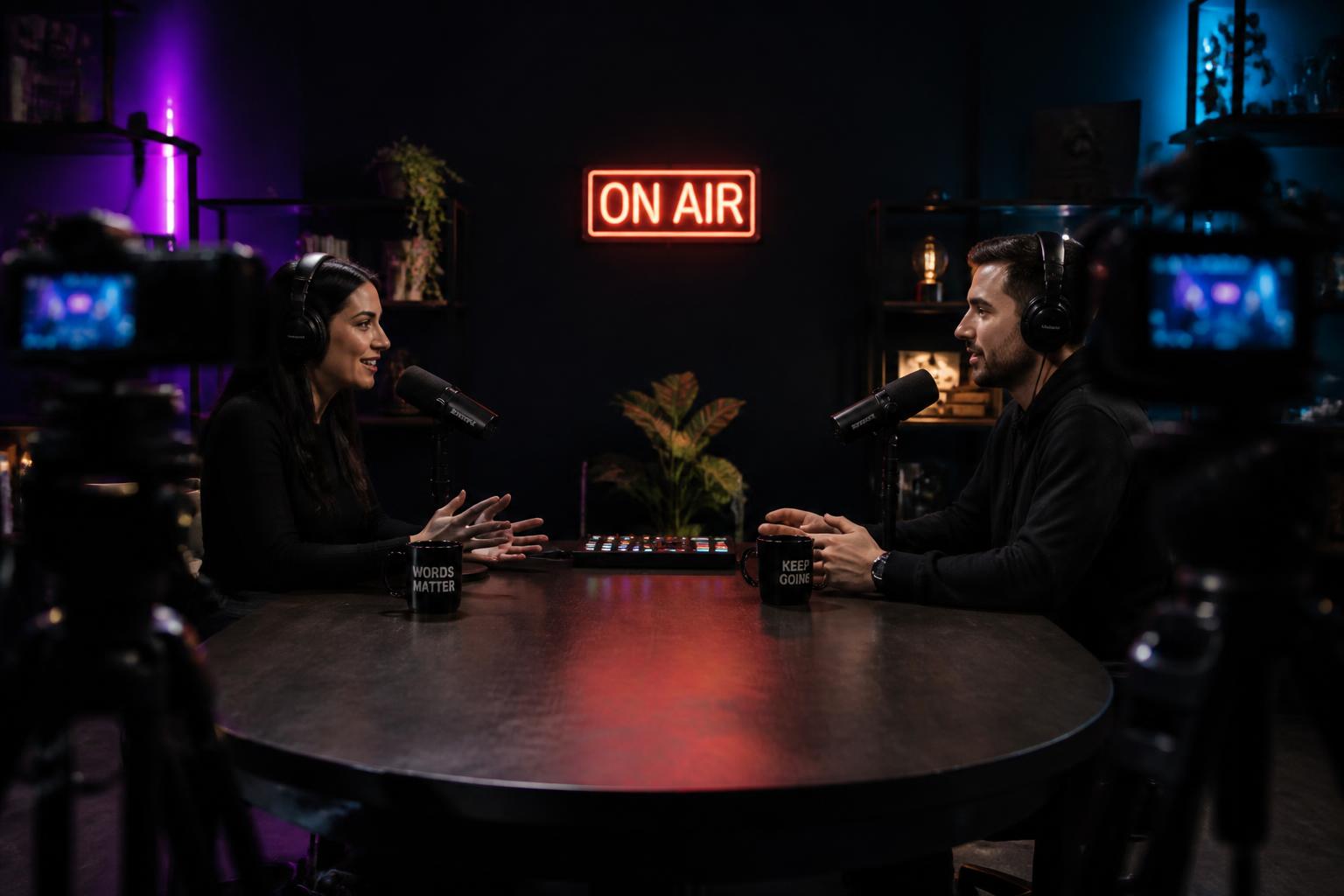
Choose a quiet room with soft furnishings, turn off noisy appliances, and keep the microphone close to your mouth. Record a short test before every session. For video, face a soft light and keep the background uncluttered.
Keep the setup comfortable
Wear headphones to catch problems early and record separate tracks when possible. You don't need the most expensive gear to begin; reliable sound and a confident host do more for an episode than an elaborate setup.
You
Show up for 60 minutes with your camera on.
We handle it
- Studio gear shipped and configured in your space
- A producer in the session keeping you on track
- Multi-track audio and 4K video capture
Record a 60-second test, listen back, and fix the room or mic position before the full conversation.
Edit & package
Turn a recording into something people want to finish—and share.
Edit for clarity
Trim false starts, distracting pauses, and technical hiccups without stripping out your personality. Balance voices, reduce noise where needed, and make sure the opening earns the next minute of attention.
Give each episode a clear wrapper
Write a specific title and description that tell people what they'll get. Add relevant links, guest details, and a simple call to action in your show notes. Think like a viewer scanning a feed, not an archivist filing an episode.
Plan the clips while you edit
Mark memorable answers, surprising insights, and practical tips that can stand alone as short videos. Caption them for silent viewing, give them a strong opening, and make sure they point back to a relevant next step.
You
Watch the cut and send one note if anything's off.
We handle it
- Full episode edit, mix, and color
- Titles, descriptions, and show notes
- 10–15 captioned vertical clips per episode
One recording can become the full episode, short clips, and creative for future campaigns.
Submit to platforms
Make the show easy to find wherever your audience listens or watches.
Publish through your host
Add your show details, cover art, episode file, and description in your hosting platform. It generates the RSS feed that listening apps use to pick up your episodes.
Claim your listening destinations
Submit or claim your show in Apple Podcasts, Spotify, and other platforms that matter to your audience. Each service has its own current requirements, so check its creator instructions as you go. Then confirm your artwork, title, and first episode appear correctly.
Give video its own home
If you're recording video, publish a full-length version on YouTube with a useful title, description, and thumbnail. A podcast RSS feed alone won't do the work of a thoughtful YouTube presentation.
You
Nothing—just confirm the listings look right.
We handle it
- Apple, Spotify, and every directory setup
- Video podcast, playlists, and channel structure
- Thumbnails, metadata, and chapter markers
Check your live listing on a phone before sharing the link with anyone.
Launch your podcast
A launch is a beginning, not a single announcement.
Give new visitors something to watch
Consider launching with a trailer and more than one episode so people can understand the show and keep going. Schedule the next release before the first goes live.
Make sharing personal
Tell your email list, clients, team, and guests why this episode matters to them. Offer ready-to-share clips and links, but write your own message instead of sending the same generic post everywhere.
Watch the early signals
Listen for the questions and comments people send back. Views are useful, but qualified inquiries, watch time, and conversations started may tell you more about whether the show is doing its job.
You
Share the first episode with your own people.
We handle it
- Show trailer and launch-week episode batch
- Launch graphics, links, and posting kit
- Tracking for views, watch time, and inquiries
Plan the next episode and the next promotion before launch day arrives.
Market & grow
Publishing the show is only half the job.
Give every episode more than one life
Turn standout moments into captioned vertical videos, a useful email, a short article, and social posts. Send each piece where your audience already spends time rather than hoping the directory will discover it for you.
Connect attention to an action
If your goal is lead generation, connect the best clips to a clear offer: a call, guide, consultation, or other relevant next step. When it makes sense, test the strongest videos as Meta or YouTube ads and measure the quality of the conversations they create.
Improve the system, not just the episode
Review which topics attract the right viewers, which clips hold attention, and which calls to action actually work. Use what you learn to shape upcoming recordings. Sustainable growth is a repeatable process, not a viral moment.
You
Read the leads and take the calls.
We handle it
- Ad creative cut from your best moments
- Meta and YouTube campaign setup and testing
- Monthly review of what's actually converting
Choose one repeatable way to promote every episode before adding more channels.
The whole checklist
Your calendar vs. our production queue
This is what a Project Podcast engagement actually looks like from the inside. Three things ask for your time. Everything else is already ours.
Yours
About three hours a month
- 01One 60-minute recording, camera on
- 02One pass of notes on the finished cut
- 03Replying to the leads the show sends you
A little help goes a long way
You bring the point of view. We handle the other six steps.
Project Podcast plans and produces video podcasts remotely, then turns the best moments into clips and paid creative for Meta and YouTube. No travel, no studio to manage alone, no editing software to learn.